Most accounts now offer two-step verification: after the password, prove it is really you a second way. But that second step comes in several kinds, and the US Federal Trade Commission, the American consumer-protection agency, ranks the common ones from weakest to strongest. The difference is practical.
Codes by text message: better than nothing
A six-digit code arrives by SMS or email and works for one login. It is simple and needs only a phone that gets texts. The catch is that a scammer can move your number onto a SIM card they hold, a SIM swap, and receive your texts, codes included, before you notice the number is gone. A code sent by email is only as safe as the email account itself.
An authenticator app: the first upgrade
The app generates the code on your phone, so it never travels over the phone network or through email, and stealing your number gets the scammer nothing. Some apps send a prompt instead of a code, showing the device, location and time of the attempt, and you approve or deny it.
One rule here: never approve a login you did not start. That is why the US Cybersecurity and Infrastructure Security Agency recommends number matching, where you type a number shown on the login screen into your phone, so a hurried tap on “Approve” is not enough.
A security key: the strongest
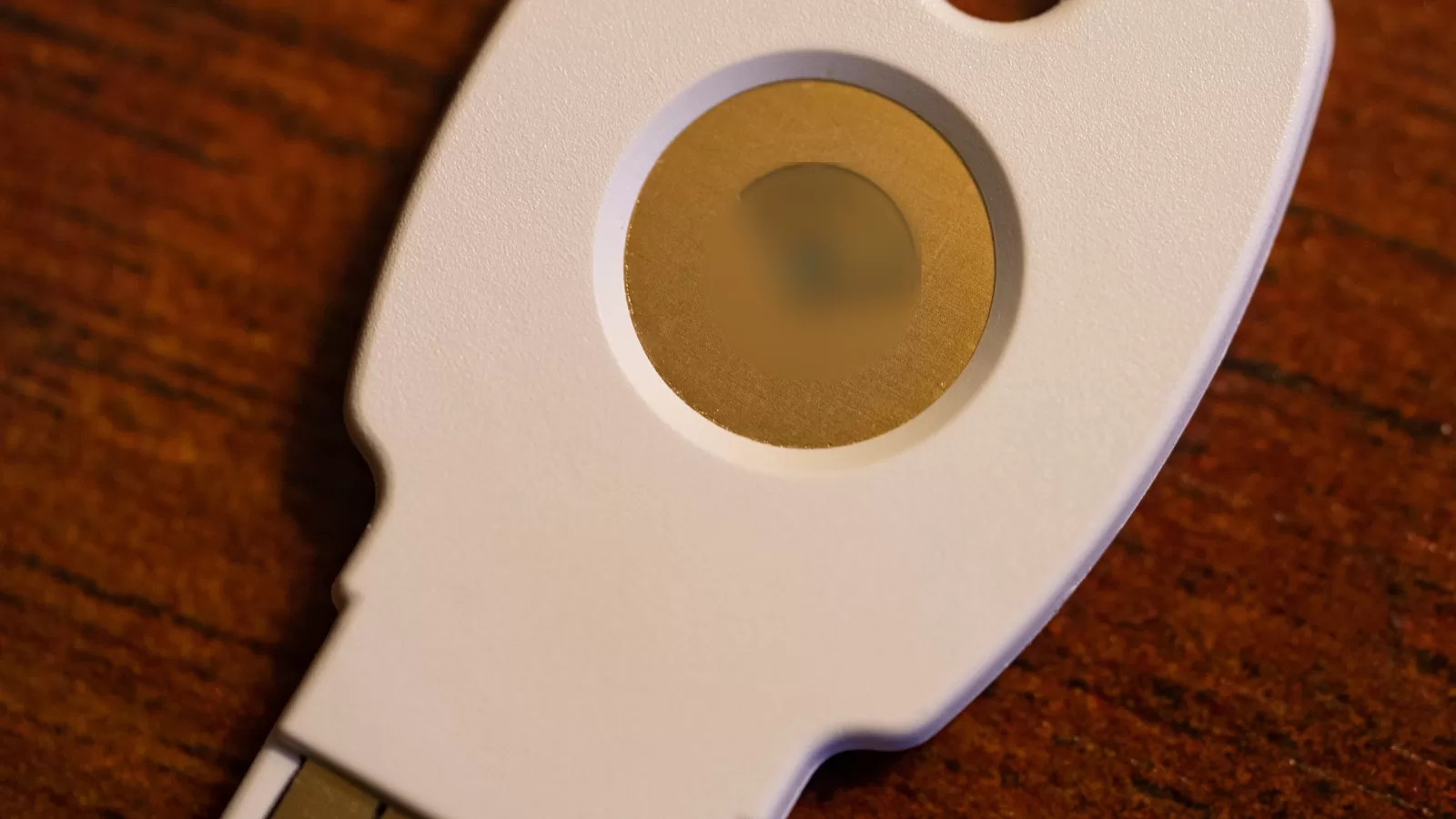
A small device that plugs into a USB port or is held near the phone over NFC, and proves with encryption that it belongs to your account. There is no code to steal or read out over the phone. The same agency calls this kind, built on the FIDO standard, the only widely available login method that resists fake sign-in pages.
Where to start
- Open the security settings of your email first, then your bank, payment apps and social accounts.
- Where an account offers an authenticator app or a key, pick one of those over text messages.
- Never give a verification code to anyone who calls or messages you, whatever the story.
- Use “remember this device” only on your own devices, never on a shared one.
Photo: a USB security key, its emblem blurred. By Tony Webster, CC BY 2.0 via Wikimedia Commons, edited by Kuwait One.
Source: “Use Two-Factor Authentication To Protect Your Accounts” on the US Federal Trade Commission’s consumer site (consumer.ftc.gov) and “More than a Password” on the US Cybersecurity and Infrastructure Security Agency site (cisa.gov/MFA), both read on 12 October 2026.
Kuwait One, once a week.
The most useful stories we published this week, in your inbox.
No spam. Unsubscribe anytime.