

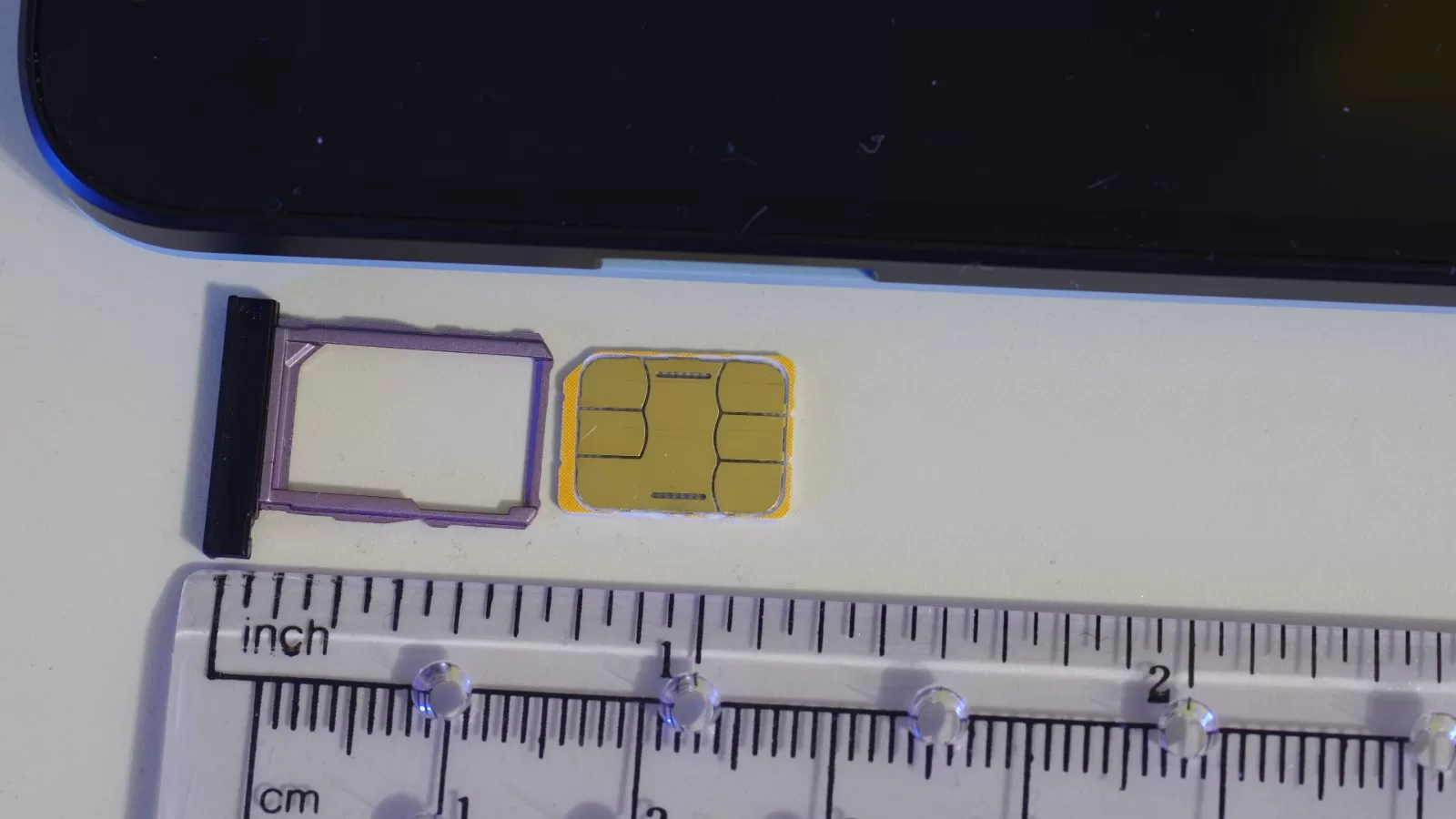
An eSIM is a SIM without the SIM: a digital profile that loads onto the phone itself instead of the piece of plastic you slide into a tray. It cannot be lost, it cannot snap, and it does not need a trip to a branch.
All three Kuwaiti operators support it. What confuses people is that each one does it differently.
Does your phone support it at all
Check this first, because nothing after it matters if the answer is no. The minimum, as published by Ooredoo Kuwait:
- iPhone: iPhone XS and later, on iOS 12.1 or newer.
- Samsung: Galaxy S20 and later.
- Apple Watch: Series 3 with cellular and later.
The quick check on iPhone: Settings, General, About, and look for a line listing an IMEI for the eSIM. If it is there, the phone supports it.
Ooredoo: through the app, with digital ID
Ooredoo publishes the full path. To move your existing number from a physical SIM to an eSIM, there are six steps:
- Open the Ooredoo app.
- Select your number.
- Go into SIM management.
- Verify your identity through the government Hawiyti app.
- You will get a call to approve the request.
- Scan the QR code while connected to Wi-Fi.
The QR code arrives at your registered email address. The service covers both prepaid and postpaid, and Ooredoo states that activating a new eSIM is free.
Zain: moving a line straight between two iPhones
Zain publishes a different and genuinely useful path for anyone buying a new iPhone: move the line from the old iPhone to the new one without scanning any code and without contacting the operator.
The conditions are that both handsets are next to each other, both on Wi-Fi, with Bluetooth on. Then:
- On the new iPhone: Settings, then Cellular, then Add eSIM.
- From the transfer options choose Transfer from nearby iPhone.
- A verification code appears on the new device — enter it on the old one.
- Confirm the number, and pick which line to move if you have more than one.
- Double-click the side button to confirm, and accept the operator’s terms.
- Zain sends an SMS to the old device — enter that code on the new one.
Zain notes that you should update iOS before starting: Settings, General, Software Update.
stc: through the app, with no published page
Here is a difference worth stating. stc Kuwait supports eSIM for prepaid and activates it through the my stc KW app, which is what it says on its official channels.
But there is no public page on its website explaining the steps: the eSIM link on the site returns a 404 as these lines are written. Anyone wanting the detail has to ask through the app or customer service rather than search the site.
What breaks when you change phones
This is the part that catches people out. A physical SIM travels with you — out of one handset and into another in seconds.
An eSIM does not. It is tied to the device, and moving it needs either the transfer feature between two compatible handsets, as in Zain’s path above, or a fresh QR code from the operator.
So: do not wipe or sell your old phone until the line is actually working on the new one. A wiped device no longer holds the profile, and getting it back goes through the operator.
In short
- Confirm your device first: iPhone XS or later, Galaxy S20 or later.
- Ooredoo and Zain publish their steps. stc does it through the app.
- Ooredoo verifies through Hawiyti — have it ready before you start.
- Do the switch on Wi-Fi, because the line can drop at the moment of transfer.
- Do not get rid of the old handset until the line works on the new one.
Photo: a nano SIM and its tray — by BwDraco via Wikimedia Commons, licence CC BY-SA 3.0
Sources: Ooredoo Kuwait — eSIM · Zain Kuwait — eSIM.
Kuwait One, once a week.
The most useful stories we published this week, in your inbox.
No spam. Unsubscribe anytime.