Bitwarden Adds Filling Rules for Stubborn Sites, and the Choice Stays Yours
A local instruction list ships with the extension, nothing about your browsing is sent, and you switch it on in settings.
Autofill for a password works on most sites, then stops dead at one in particular: the field is there but the manager cannot see it, or it puts the username where the password goes. Bitwarden has addressed that case with a feature called Fill assist.
How it works
Bitwarden keeps a hand-written list of instructions for specific sites. The browser extension downloads a copy of that list and stores it on your machine, so when you open a site named in it, the extension sets aside its default logic and follows the instructions written for that site.
What leaves your machine
Nothing. The company states plainly that the extension sends no data about your use to it or to the code repository, and that the copy of the list stays local.
Is it switched on
No. The feature is optional for now, and is enabled from settings: Settings, then Autofill, then Additional options. The company says it intends to turn it on by default at a later stage. It is available in the extensions for every browser.
What that is worth to an ordinary user
The benefit is practical rather than theoretical: every time autofill fails, the user tends towards the worse fix — typing the password by hand, or simplifying it so it can be remembered, or copying it to the clipboard. The list reduces how often that happens, and that is all it does.
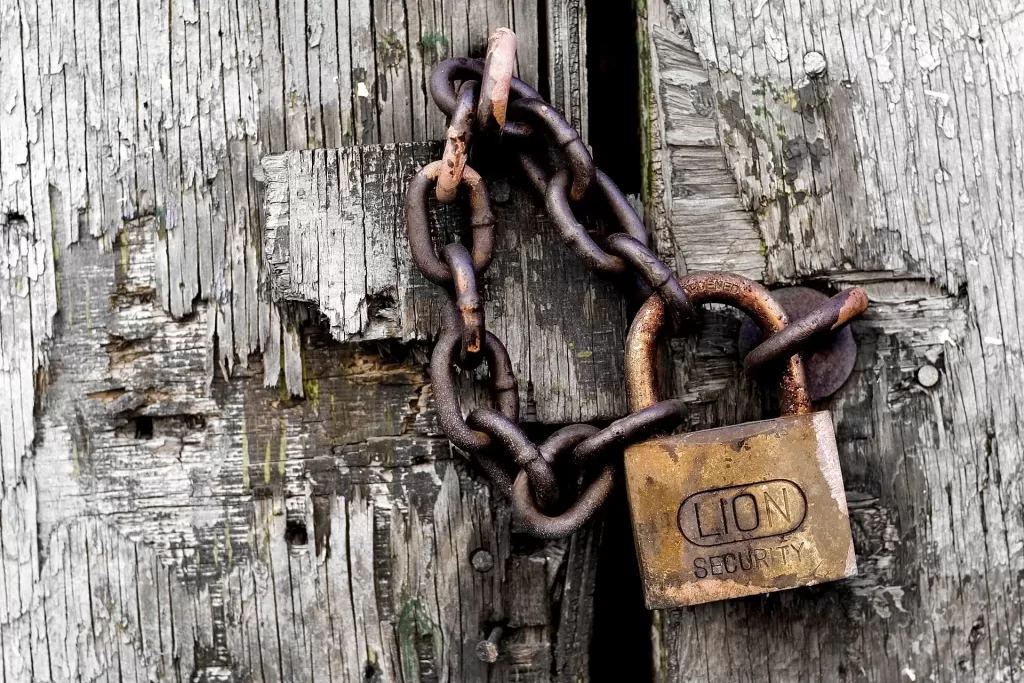
Photo: an old padlock on a wooden door. By inkknife_2000, CC BY-SA 2.0 via Wikimedia Commons.
Source: the Bitwarden blog, “Fill assist: improving autofill every time for everyone”.
Kuwait One, once a week.
The most useful stories we published this week, in your inbox.
No spam. Unsubscribe anytime.