New phone, and the first errand you picture is a trip to the telecom branch to swap the SIM. If your line lives on an eSIM, you may be able to skip it: the number can move from the old handset to the new one while both sit on the table in front of you.
Do you have an eSIM?
An eSIM is not a card in a tray but a chip built into the phone that holds your line’s profile digitally. It has its own identifier, the EID. On an iPhone it is under Settings, General, About; you may need to scroll down to see it alongside the IMEI and ICCID.
iPhone to iPhone
Apple calls this eSIM Quick Transfer. Its support page lists the conditions: both phones on iOS 18.4 or later, both signed in to an Apple Account, close to each other, with Bluetooth on.
- On the new phone, open Settings, then Cellular, and tap Set Up Cellular or Add eSIM.
- Pick the plan to move, or tap Transfer From Nearby iPhone.
- Follow the prompts on the old phone, then tap Transfer or enter the verification code.
- Wait for activation. The SIM on the old phone switches off by itself once it completes.
Android to Android
On Google’s Pixel phones, the transfer needs Android 12 or later, an up-to-date Google Play Services and a screen lock on both devices. Depending on the carrier it may happen automatically during setup. If it does not, the path is Settings, Network & internet, SIMs, Add SIM, Transfer SIM from another device.
Google notes that the line keeps working on the old phone if the transfer fails, which is a good reason not to wipe the old handset until you have made a call from the new one.
Crossing platforms
From Android to iPhone, Apple’s answer is brief: contact your carrier, which moves the number either by carrier activation or with a QR code. With iOS 26, some carriers now support a direct transfer. All of it depends on your carrier supporting eSIM in the first place; Zain Kuwait, for one, has a dedicated eSIM page. Ask about transfers before you sell the old phone.
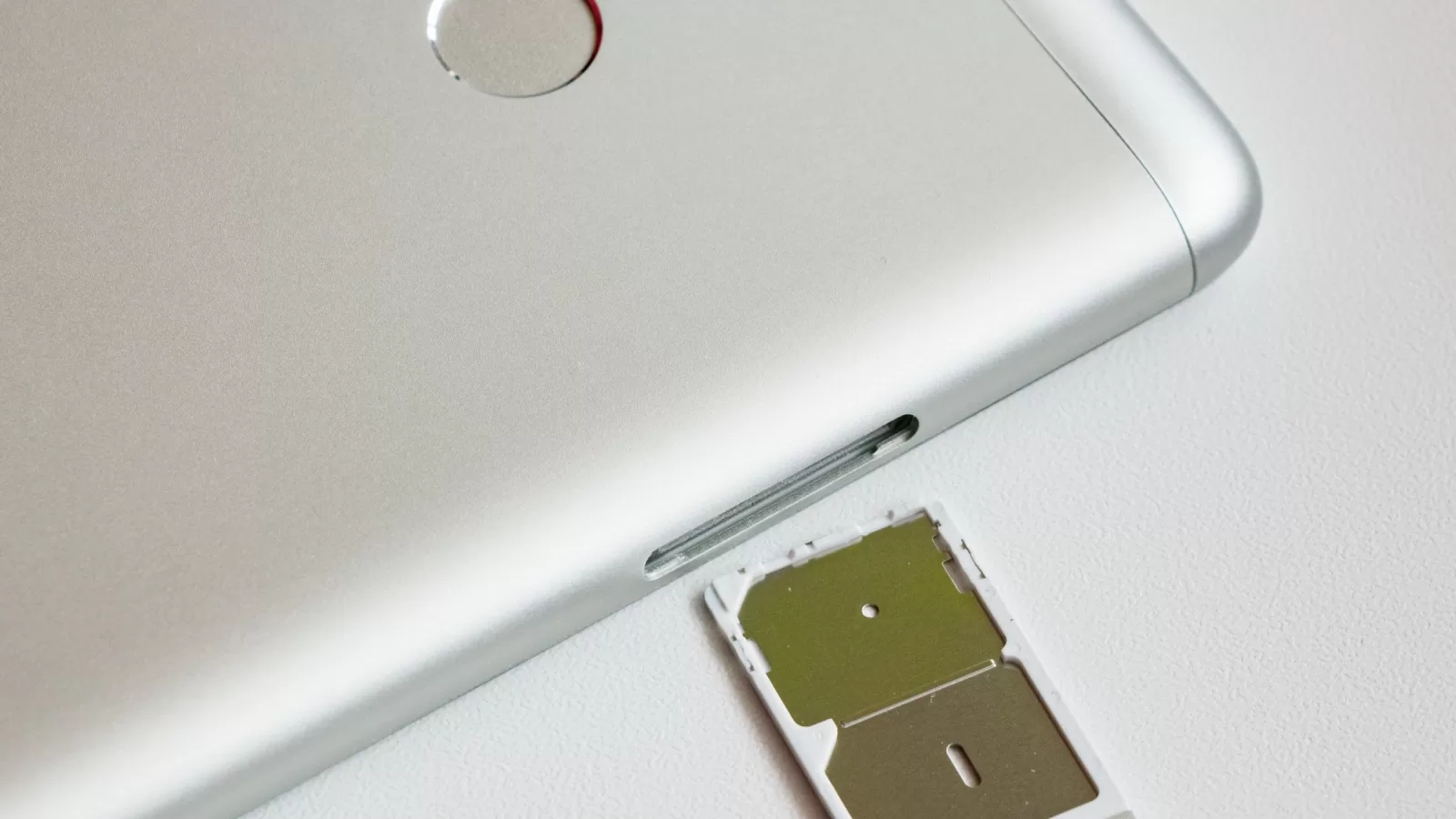
Photo: A SIM tray pulled out of a smartphone; the eSIM itself sits inside the phone and cannot be seen. By Ilya Plekhanov, CC BY-SA 4.0 via Wikimedia Commons.
Sources: Apple Support, “Set up eSIM on iPhone” (updated 17 September 2026) and “Find the serial number or IMEI”; Google Pixel Help, “Transfer a SIM to a new phone”; Zain Kuwait’s eSIM page.
Kuwait One, once a week.
The most useful stories we published this week, in your inbox.
No spam. Unsubscribe anytime.