A thief does not need to get past your lock screen to get at your accounts. Pop the SIM out, slide it into another phone, and every one-time code your bank or apps send by text lands in their hand. A SIM PIN closes that gap: the card itself asks for a code every time the phone restarts or the card is removed.
What changes once it is on
Apple’s support page says the SIM or eSIM locks on every restart and every removal, and the status bar shows “Locked SIM” until the PIN is entered. Without it there are no calls and no mobile data on that number, whichever phone the card is in.
On iPhone
- Open Settings, then Cellular.
- Tap SIM PIN and turn it on. With two lines, pick the line first, then SIM PIN.
- Enter the SIM’s current PIN and tap Done.
If you have never set one, the current PIN is your carrier’s default. Apple is blunt about it: do not guess. Find it in your plan documents or ask your provider’s customer service.
On Samsung Galaxy
- Open Settings, then Lock screen and security.
- Choose Other security settings, then Set up SIM card lock.
- Turn on Lock SIM card and enter the current PIN.
- Use Change SIM card PIN on the same screen to set a code only you know.
Samsung notes that menu names vary between models. If the path is not there, type “SIM” into the search box at the top of Settings.
Never guess
Too many wrong entries lock the card, and only a longer code called a PUK, issued by your carrier, will open it again. Apple warns that a wrong guess can lock the SIM permanently, leaving you needing a replacement. Write your new PIN down somewhere safe, away from the phone, before you leave Settings.
The screen lock protects what is on the phone. The SIM lock protects the number itself. Together they shut out anyone fishing for your verification codes.
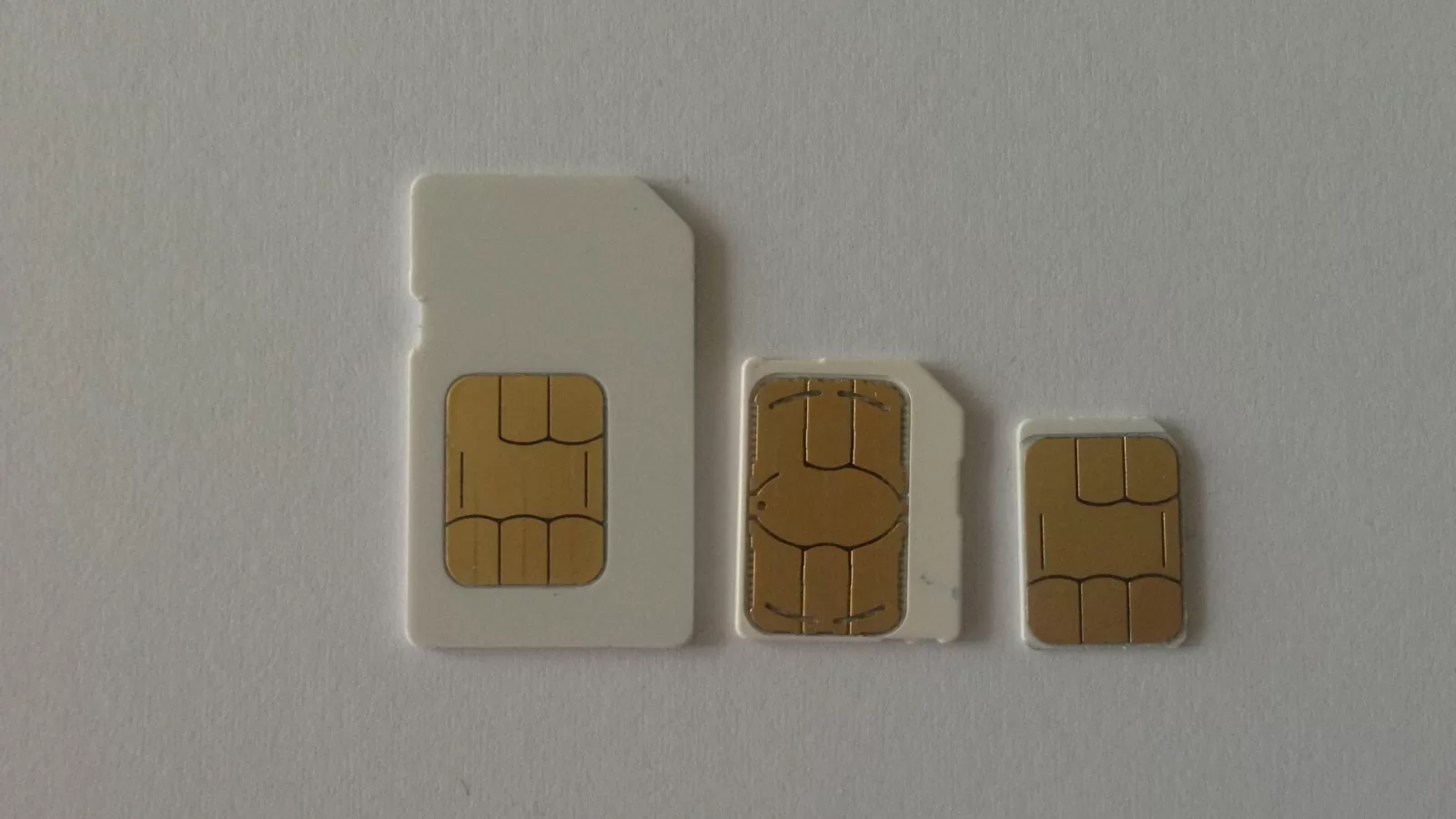
Photo: three sizes of SIM card. By Bidouille82, CC BY-SA 3.0, via Wikimedia Commons.
Source: Apple Support, “Use a SIM PIN for your iPhone or iPad” (support.apple.com/118228), and Samsung Support, “How to set up SIM Card Lock on Samsung Mobile Device”, both read on 13 October 2026.
Kuwait One, once a week.
The most useful stories we published this week, in your inbox.
No spam. Unsubscribe anytime.