Your photos carry the exact spot they were taken. Here’s how to strip it before you share
The camera writes coordinates into the file itself. One switch when sending drops them, and one setting stops the recording altogether.
When Location Services is on for the camera, your phone writes the coordinates of where each photo was taken into the image file, along with the date and time. That is how the Photos app can lay your pictures out on a map. It also means anyone you send the file to may be able to read the location, and sometimes that location is your home.
iPhone: every time you share
- Select the photo or photos in Photos, then tap the Share button.
- Tap Options at the top.
- Turn off Location. “Location Not Included” appears above the Options button.
- Share however you like.
To remove the location from a saved photo: open it, tap More, then Adjust Info, then Adjust Location, then No Location.
To stop recording it at all: Settings, then Privacy & Security, then Location Services, then Camera, and choose Never.
Google Photos
Google says albums, links and conversations you share from Google Photos leave out location details by default, unless you choose to include them or set up partner sharing. To remove a photo’s location: open it, tap More, then Edit location, then Remove location. To stop recording it, turn off location in your camera app’s own settings.
What the switch can’t hide
Google also warns that people may still guess where a photo was taken from landmarks in it. A street sign, a house number or a well-known building gives away what the coordinates would.
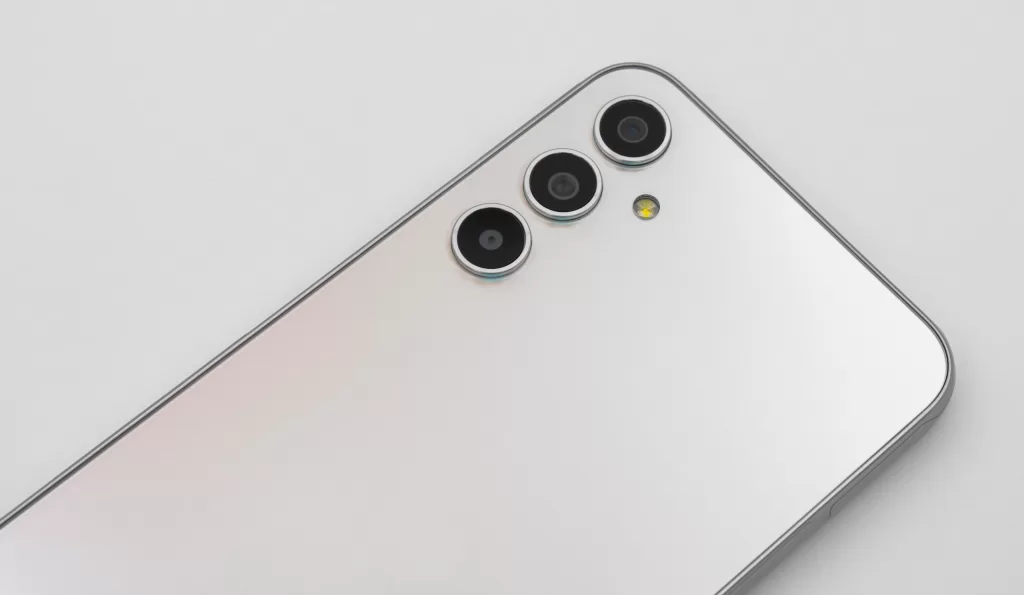
Photo: the back of a smartphone with three camera lenses. By PantheraLeo1359531, CC BY 4.0, via Wikimedia Commons.
Source: Apple Personal Safety User Guide, “Manage location metadata in Photos” (support.apple.com); Google Photos Help, “How Google Photos protects your location data” and “Understand, find & edit your photos’ locations”; read 30 October 2026.
Kuwait One, once a week.
The most useful stories we published this week, in your inbox.
No spam. Unsubscribe anytime.