

The used-phone market in Kuwait is large and moves fast, and a handset here often sells for half its shop price. The problem is that most buyers check two things — the screen and the scratches — and those are the two that matter least.
Here is the checklist that protects your money, ordered from the most dangerous problem to the least. Run it in front of the seller, before you pay, not after.
1. The lock that turns a phone into a sheet of glass
Start here, because a mistake at this point cannot be fixed later at any price.
On iPhone the feature is called Activation Lock. It switches on by itself the moment the owner enables Find My, and it stops anyone else from turning the service off, erasing the device, or reactivating and using it without the original owner’s account password.
Apple’s warning to buyers is blunt: do not buy any used iPhone or iPad that is still protected by Activation Lock, or where the seller asks you to complete the setup on their behalf.
Ask the seller to erase the phone completely in front of you and set it up again as new. If it asks for someone else’s Apple Account password, walk away — whatever the reason he gives you.
2. The serial number, and what Kuwait cannot tell you
Match the serial number in three places: on the box, on the tray or body of the phone, and inside Settings. If they differ, then the phone, or the box, or both, are not what you are being told.
And here is something that should be said plainly: there is no public service in Kuwait that lets you check whether a handset is stolen or blocked. We went through the individual services offered by CITRA, and they cover complaints, content blocking and licensing — device checks are not among them.
So the serial number is a tool for matching, not for proving the phone is clean. What covers you in practice is the original purchase invoice in the seller’s name, meeting in a public place, and keeping a record of the seller’s details.
3. The battery — the most expensive thing hidden from you
The battery is where buyers lose the most, because it looks perfectly healthy across a half-hour test.
On iPhone: Settings, then Battery, then Battery Health, and read Maximum Capacity. For comparison, Apple designs the battery in iPhone 14 and earlier to hold 80 per cent of its original capacity after 500 full charge cycles, and in iPhone 15 and later after 1,000 cycles. If you see a message saying battery health has significantly degraded, that phone needs a battery, and you are paying for one.
On Samsung: the diagnostics in the Members app report battery life as Good, Normal or Bad — and Bad means the battery has degraded badly enough that Samsung tells you to visit a service centre.
Do not accept “the battery is fine”. The number is on the phone itself and showing it takes under a minute.
4. Water
Almost every modern handset carries a liquid contact indicator — a small sticker that turns from white or silver to red once water gets in. Its position varies by model; on iPhone it sits inside the SIM tray slot. Pull the tray out and look in with a torch.
A phone that went under and was dried out can run for months and then stop without warning. That sticker is the one piece of evidence a seller cannot easily alter.
5. The screen — checked properly
Don’t just look for scratches. Open a fully white image at full screen and tilt the phone in the light: stains, shadows and burn-in show up against white and vanish against a colourful wallpaper. Then open a fully black image: dead pixels and light bleeding at the edges appear.
Then drag your finger across every part of the screen in a drawing app, to be sure the touch responds everywhere and not only in the middle.
6. The quick list before you hand over the money
- Test every camera, front and back, at every zoom level.
- Test network, Wi-Fi and Bluetooth by putting your own SIM in the phone.
- Ask about the warranty: which dealer, is it tied to the owner or the device, and is any of it left.
- Ask directly: has this phone ever been opened for repair? A non-original screen or battery changes what the device is worth, and can disable some features.
What counts as a fair price
The practical rule: take the going second-hand price for that model, then subtract the cost of any battery or screen you will have to replace. A phone with a battery under 80 per cent is not a bargain — it is a phone with a part missing.
And if the seller refuses even one of these checks, that refusal is your answer.
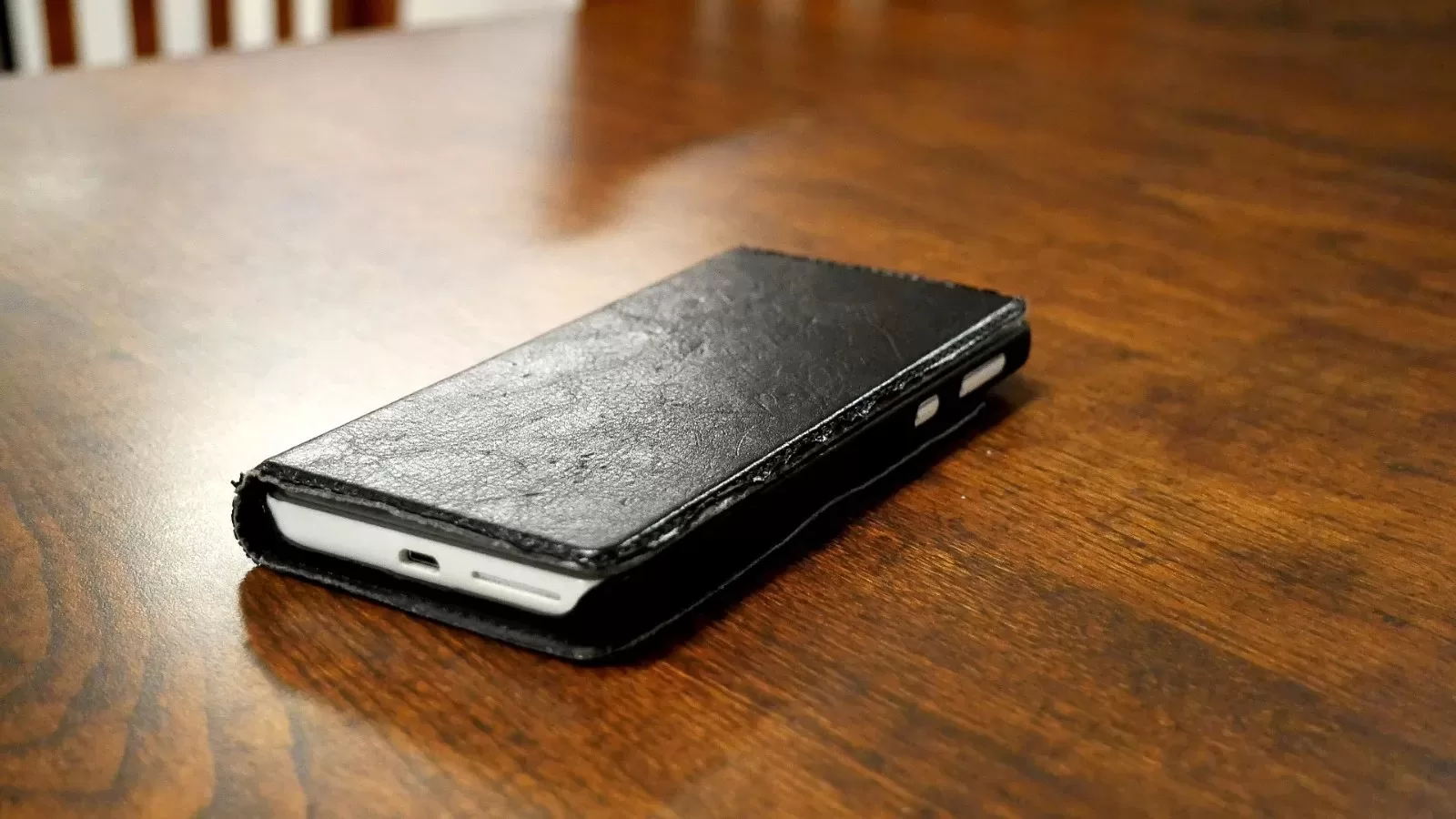
Photo: a smartphone on a table — by Santeri Viinamäki via Wikimedia Commons, licence CC BY-SA 4.0
Sources: Apple — Activation Lock · Apple — battery service and recycling · Samsung Members device diagnostics · CITRA individual services list.
Kuwait One, once a week.
The most useful stories we published this week, in your inbox.
No spam. Unsubscribe anytime.