An emergency card on your lock screen: medical details a paramedic can read without your code
iPhone setup in Health, Android setup in the Safety app, plus who sees it and what is worth adding
If you are hurt and alone, the first person to pick up your phone may be a paramedic who does not know your passcode. Both iPhone and Android can show an emergency card straight from the lock screen, holding whatever you choose to put on it: allergies, medications, blood type and who to call. Setting it up takes about two minutes.
On iPhone
- Open the Health app and tap the Summary tab.
- Tap your profile picture at the top, then Medical ID.
- Turn on Show When Locked so the card opens from the lock screen without a passcode.
- Turn on Share During Emergency Call as well. When you call or text emergency services from your iPhone or Apple Watch, the card is sent to them automatically, in countries and regions where this is supported.
- Tap Edit or Add next to each field: Medications, Allergies, Conditions.
- Tap Done.
To add an emergency contact, tap Edit next to Emergency Contacts on the same screen, tap the add button, pick a contact and set the relationship.
Apple notes that the card is not shared with responders if Emergency Calls & SOS is switched off under Settings, Privacy & Security, Location Services, System Services.
On Android
Here the card lives in the Personal Safety app, which appears in your app list simply as Safety. Google says it is available on some Android devices, not all, and that some steps need Android 12 or later.
- Open the Safety app and sign in to your Google Account.
- Tap Your info.
- For medical details, tap Medical information, then the item to update: blood type, allergies or medications.
- For contacts, tap Emergency contacts, then Add contact, and choose who to add.
- To show the card while the phone is locked, tap Emergency info access, then Show when locked.
Anyone who needs it swipes up on the lock screen, taps Emergency, then View emergency info.
Before you switch it on
Whatever you add can be read by anyone holding your phone, locked or not. Google says so plainly, and the same is true on iPhone, because the card is designed to open without a passcode. Put down what a responder needs and leave out the rest. Kuwait’s single emergency number is 112.
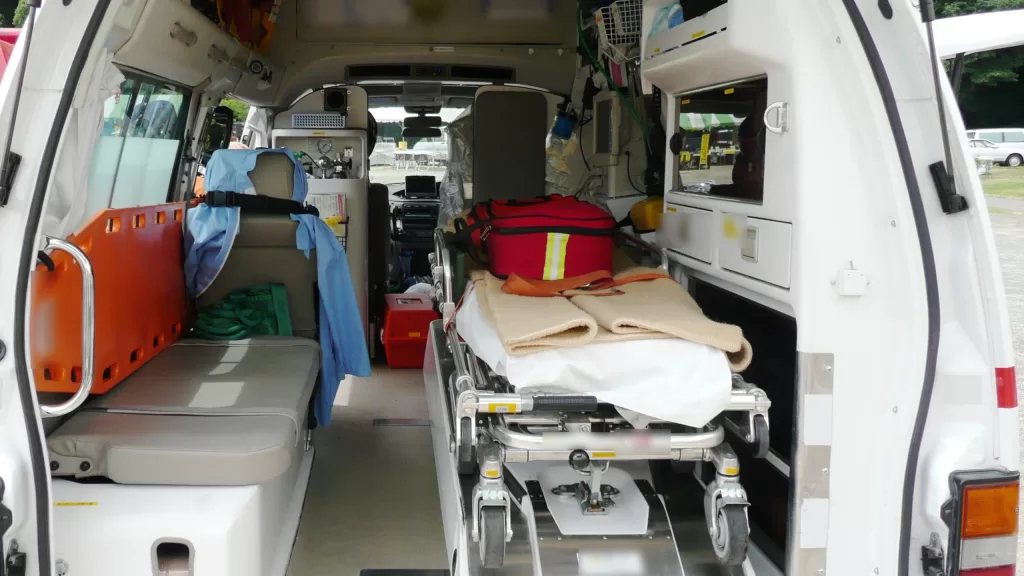
Photo: Inside an ambulance, with stretcher, seat and equipment. By Ypy31, public domain, via Wikimedia Commons. Not a Kuwaiti ambulance; brand names blurred.
Source: Apple Support, “Set up your Medical ID in the Health app on your iPhone” (support.apple.com/105072), and Android Help, “Get help during an emergency with your Android phone” (support.google.com/android/answer/9319337), both read on 15 October 2026.
Kuwait One, once a week.
The most useful stories we published this week, in your inbox.
No spam. Unsubscribe anytime.