No signal in the desert? Save the area to Google Maps before you leave
Steps for Android and iPhone, what still works without a connection, what does not, and when the download expires
Out in the open desert the signal fades the further you drive from the road, and sometimes it disappears. Google Maps can keep working without a connection, but only if you downloaded the area while you still had one. It takes under a minute, and the place to do it is at home, not at the camp.
On Android
- Open Google Maps. Make sure you are online and signed in.
- Tap your profile picture or initial, then “Offline maps”.
- Tap “Select your own map”.
- Pan and zoom until the box covers where you are going and the road there.
- Tap “Download”.
For one specific place there is a shortcut: search for it, then swipe the place card to the right and tap “More”, “Download offline map”, “Download”.
If your phone takes a memory card, Google lets you store offline maps on it: open the settings on the “Offline maps” page and choose the card under “Storage preferences”. Switching where maps are stored means downloading them again.
On iPhone
- Open Google Maps while online, and make sure you are not in Incognito mode.
- Tap your profile picture, then “Offline maps”, then “Select your own map”.
- Fit the box to the area and tap “Download”.
What works offline, and what does not
Once downloaded, the app behaves as usual and will guide you as long as the whole route sits inside the saved area. If part of the drive falls outside the box, the route cannot be completed, so make the box cover both your starting point and your destination.
Google is clear about the limits. Walking, cycling and transit directions do not work offline, and offline driving comes with no traffic information and no alternative routes. A saved map gets the car there. It will not plot a footpath between the tents.
Saved maps expire
Offline maps carry an expiry date. When one is 15 days or less from expiring and the phone is on Wi-Fi, the app tries to refresh it by itself. On Android you can make this automatic with “Auto-update offline maps” in the settings on the “Offline maps” page. If it has not happened, open “Offline maps”, tap the expiring area, then “Update”.
If the download option is missing
Google says offline maps cannot be downloaded in some countries and regions, because of contractual limits, language support or address formats. If the option does not appear for an area, that restriction is the reason, not a fault in your phone.
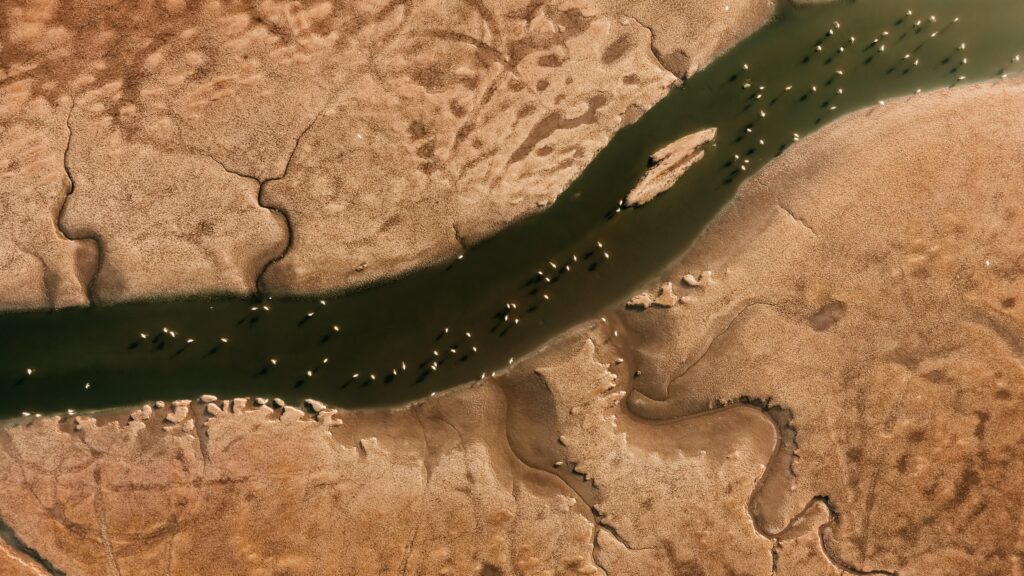
Photo: Al-Jahra Reserve from the air. By Di7ane, CC BY-SA 4.0, via Wikimedia Commons.
Source: Google Maps Help, “Download areas & navigate offline in Google Maps” (support.google.com/maps/answer/6291838), Android and iPhone versions, read on 14 October 2026.
Kuwait One, once a week.
The most useful stories we published this week, in your inbox.
No spam. Unsubscribe anytime.