Google Takeout: download a copy of your Gmail, Photos and Drive in five steps
The archive link arrives by email, expires after roughly seven days, and nothing on the servers gets deleted
Everything sitting in a Google account, from Gmail and Google Photos to Drive files, contacts and calendars, can be pulled down as one archive. The tool is called Google Takeout. It is worth running before you switch phones or close an account, or simply so you hold a copy that does not depend on remembering a password.
The steps
- Sign in and open takeout.google.com. The products you use are already ticked.
- Untick anything you do not want. Some products let you narrow the selection further, such as picking particular photo albums.
- Press Next step and choose a delivery method: a download link by email, or straight into Drive, Dropbox, OneDrive or Box.
- Choose the export type: once, or scheduled every two months for a year, with the first one made immediately.
- Pick the file type and size, then press Create export. A .zip opens on almost any computer; a .tgz may need extra software on Windows. Anything larger than the size you choose is split into several files, and the biggest option is 50GB.
After you ask
Google says an archive takes anywhere from a few minutes to a few days depending on how much data there is, and that most people get the link the same day. You may be asked for your password again when you download, plus the second verification step if 2-Step Verification is on.
The archive expires after about seven days and can only be downloaded five times, after which you request a new one. Google recommends opening it on a computer rather than a phone; inside is a file called archive_browser.html that explains each format and how to open it.
Worth knowing
- Downloading deletes nothing from Google’s servers.
- You cannot pick a date range. Gmail, for instance, comes out whole.
- Photos and videos keep their original timestamp inside the file; comments come in a separate JSON file.
- If you send the archive to Drive, it counts against your storage there. If you plan to delete the account, move it somewhere else first.
- Work and school accounts may have exports switched off by the administrator.
- On a shared computer, do not download the archive to the machine itself; keep it in storage only you can reach.
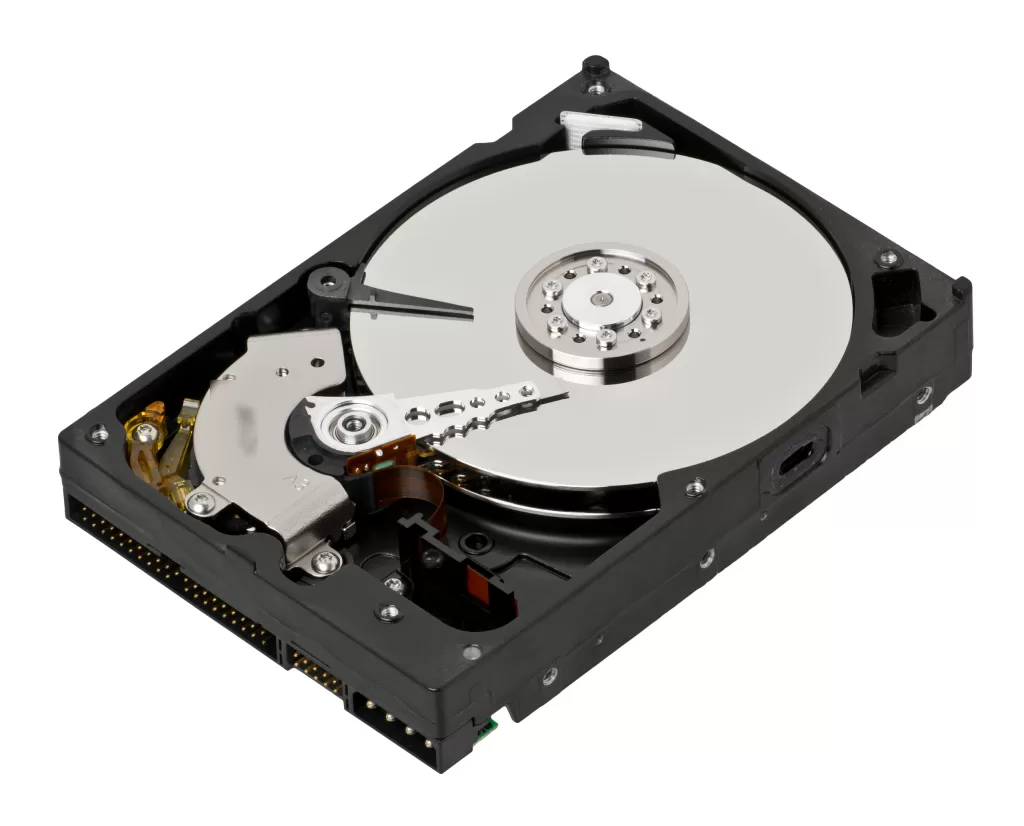
Photo: an opened hard drive showing the platter and the read arm, with an engraved marking on the arm deliberately blurred. By Evan-Amos, CC BY-SA 3.0 via Wikimedia Commons, edited by Kuwait One.
Source: Google Account Help, How to download your Google data, checked 24 November 2026.
Kuwait One, once a week.
The most useful stories we published this week, in your inbox.
No spam. Unsubscribe anytime.