A 512 GB drive that shows 476 in Windows: nothing is missing, it is counted differently
Makers measure in thousands, some software in 1,024s. Apple explains both, with common sizes and where formatting space goes
The box says 512 GB. File Explorer says about 476. The drive is fine and the box is honest: the two figures describe the same space in two different units that happen to share a name.
A thousand, or 1,024
Storage manufacturers count in decimal. To them a gigabyte is one billion bytes and a terabyte a trillion, and Apple prints exactly that on its packaging: “1GB = 1 billion bytes”. Counted in binary, a gigabyte is 1,073,741,824 bytes, which is 2 to the power of 30 and about 7% larger.
Divide the same drive by the larger number and you get a smaller result. That is what Windows does: it counts in binary but still labels the figure “GB”.
What common sizes show
- 128 GB shows as roughly 119.
- 256 GB shows as roughly 238.
- 512 GB shows as roughly 476.
- 1 TB shows as roughly 931 GB.
That is before a single file is saved, and the gap grows with size: on a 1 TB drive it is close to 69 GB.
A separate name for each unit
In December 1998 the International Electrotechnical Commission adopted distinct names for the binary units so the two would stop colliding: kibi, mebi, gibi and tebi, written KiB, MiB, GiB and TiB. In those terms the drive showing 476 holds 476 gibibytes, which is the same thing as 512 gigabytes. A few programs use the correct symbol. Most never changed the habit.
On iPhone and Mac
Apple says its current systems count in decimal, the same way manufacturers do; binary counting belonged to iOS 10 and earlier and OS X Leopard and earlier. So the shortfall on a recent iPhone is not about units. Apple names two other causes: formatting takes part of the space, and the operating system takes more. Hence the line on its boxes, “actual formatted capacity less”.
When to worry
If your number is close to the list above, the drive is healthy and the capacity is all there. A drive sold as 1 TB that reports one or two hundred gigabytes is another matter. Arithmetic does not explain that, and the seller should check it.
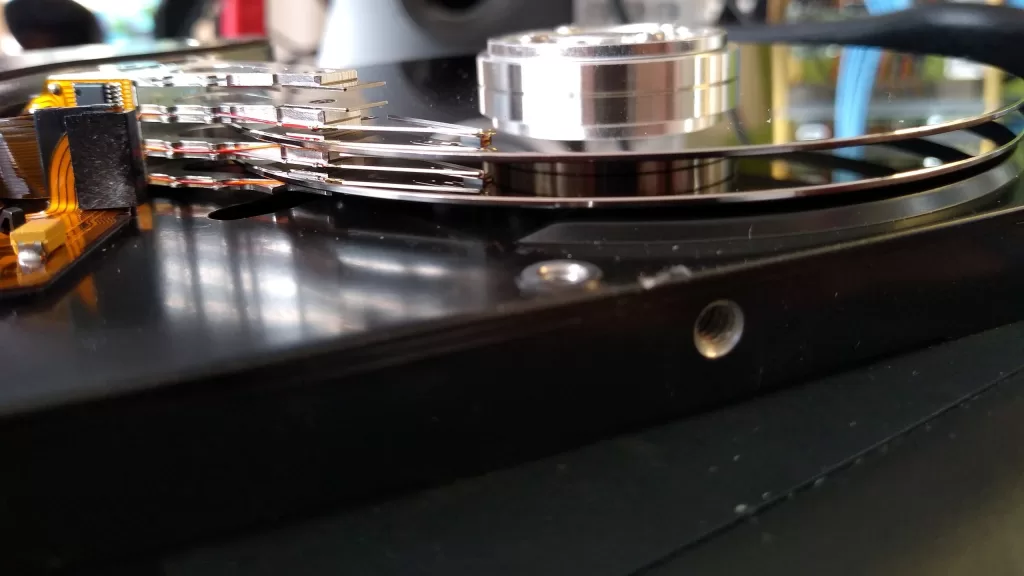
Photo: hard disk platters and read heads. By Gunnar Wolf, CC BY-SA 4.0, via Wikimedia Commons.
Source: Apple Support, “How storage capacity is measured on Apple devices” (support.apple.com/102119), and the US National Institute of Standards and Technology, “Prefixes for binary multiples” (physics.nist.gov), both read on 14 October 2026.
Kuwait One, once a week.
The most useful stories we published this week, in your inbox.
No spam. Unsubscribe anytime.