Encrypt your WhatsApp backup so only you can open it
Three ways to lock the copy stored in Google or iCloud, where the setting sits, and what a forgotten password costs.
WhatsApp keeps a backup of your chats in your Google Account on Android and in iCloud on iPhone. That copy is not end-to-end encrypted unless you switch it on yourself. Once you do, the backup opens only with the key you chose to protect it.
Pick how to lock it
- Passkey: unlock with your fingerprint, face or screen lock. On Android it needs version 9 or later, a screen lock and up-to-date Google services; on iPhone, iOS 18 or later and a screen lock.
- 64-digit encryption key: a long string WhatsApp generates and you store somewhere safe.
- Your own password: separate from any app lock password.
Where the switch is
- Android: Settings, Chats, Chat Backup. iPhone: Settings or your profile picture, then Chats, Chat Backup.
- Tap End-to-end encrypted backup (End-to-end encryption on iPhone).
- Choose Use passkey if you have one, or More options for the 64-digit key or a password, and follow the prompts.
Know this first
Lose the password or key and lose access to your WhatsApp account as well, and the backup is gone for good. WhatsApp cannot send you the key, reset it or restore the chats for you. While you still have the account, you can change the password in the app.
Turning encryption off, or creating a new passkey, does not unlock an older encrypted backup; that still needs whatever protected it originally. To move from a password or key to a passkey, turn encryption off first and switch it back on with the passkey.
WhatsApp is also testing its own cloud storage, with 2 GB on free accounts and backups always encrypted, but it has not reached everyone yet.
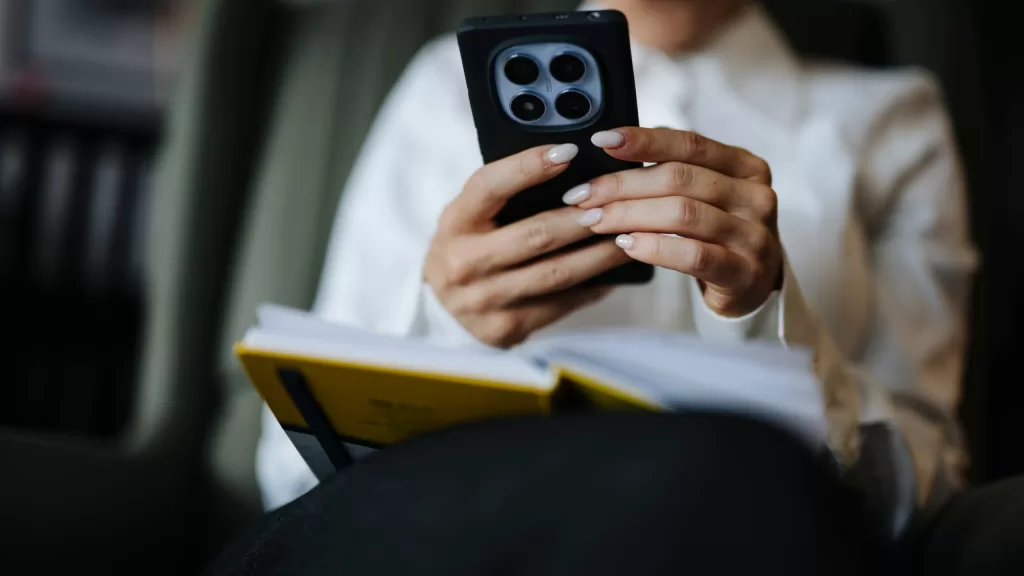
Photo: Hands holding a smartphone over an open notebook, illustrative. Photograph by Shixart1985, CC BY 2.0 via Wikimedia Commons.
Source: WhatsApp Help Center, “About end-to-end encrypted backup” (Android and iPhone versions), read 2 November 2026.
Kuwait One, once a week.
The most useful stories we published this week, in your inbox.
No spam. Unsubscribe anytime.