
Since Windows 11 the taskbar has been pinned to the bottom and would not move, and that was one of the most repeated complaints about the system. The optional preview update released on 27 August brings the choice back: bottom of the screen, top, left, or right.
Where the option lives
The path, as the official update page gives it: Settings, then “Personalisation”, then “Taskbar”, then “Taskbar behaviours”. In the same place there is a second option: a smaller taskbar size, whose stated purpose is to widen the visible area on small devices.
What else the update carries
- Start menu: three sizes — small, large, and automatic. The “Recommended” section is now called “Recent”. The account name and picture can be hidden from the menu.
- Search: a simpler interface, and results carrying a tag showing the result type: app, setting, file, web result, or store item. Automatic indexing has been added for heavily used folders.
- File Explorer: a faster home page load, and touch scrolling in the recommended section.
- Administrator protection: a security feature off by default, enabled through management tools.
- Updated progress indicators at startup and shutdown, smoother switching between virtual desktops, and better stability in Task Manager.
Will it reach you straight away
No. The update is KB5120998 and takes the system to builds 26200.9278 and 26100.9278, covering Windows 11 in versions 24H2 and 25H2. Distribution is gradual: features arrive in waves, so it may show up on one machine weeks before another. And it is an optional preview update, meaning you choose it yourself from the updates page rather than having it install on its own.
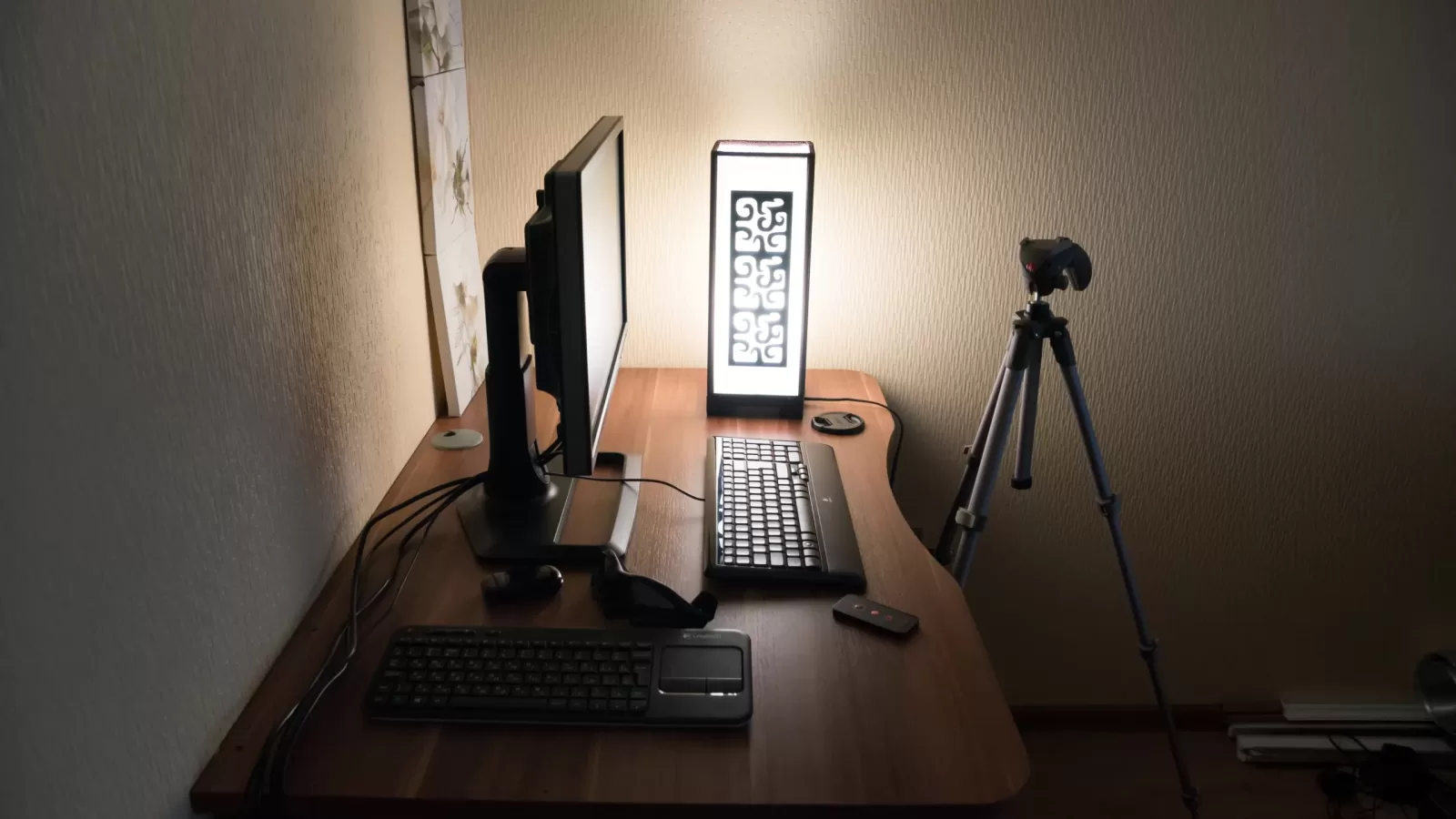
Photo: a computer desk with a monitor and keyboard. By Vyacheslav Argenberg, CC BY 4.0 via Wikimedia Commons.
Source: Microsoft, the KB5120998 update support page published on 27 August 2026.
Kuwait One, once a week.
The most useful stories we published this week, in your inbox.
No spam. Unsubscribe anytime.