Firefox Asks Before a Site Reaches the Devices on Your Home Network
The new release suggests grouping similar tabs and naming the group, and extends translation into embedded frames.
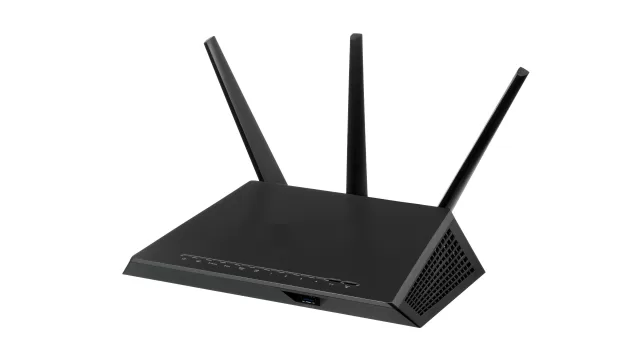
The printer, the camera and the router in your house have addresses that exist only inside your own network and cannot be seen from outside it. But a page open in your browser can knock on those addresses from the inside. Firefox already blocked that for one kind of connection; the new release extends it to a second.
What changed
Local network access protection now covers WebSocket connections too. A site that wants to open a persistent channel to a device inside your network needs your permission first, rather than doing it with no notice.
The rest of the release
- Tab grouping: the browser suggests gathering related tabs into a group, and suggests a name for it. The feature is rolling out gradually rather than to everyone at once.
- Translation inside frames: full-page translation now covers the content of embedded frames, and language detection runs on every load.
- Profile backup: local backup of your profile is now available on Mac as well.
- Cookie exceptions: a specific site can be exempted from cookie clearing on close, without giving up the other protections.
- A changeable icon: on Windows, a different app icon can be chosen from settings.
Fixes you notice
Noticeably faster seeking within video on every operating system, a fix for an invisible window on Mac, a hidden taskbar that would not work on Windows, and a clash between full-screen mode and the taskbar in picture-in-picture.
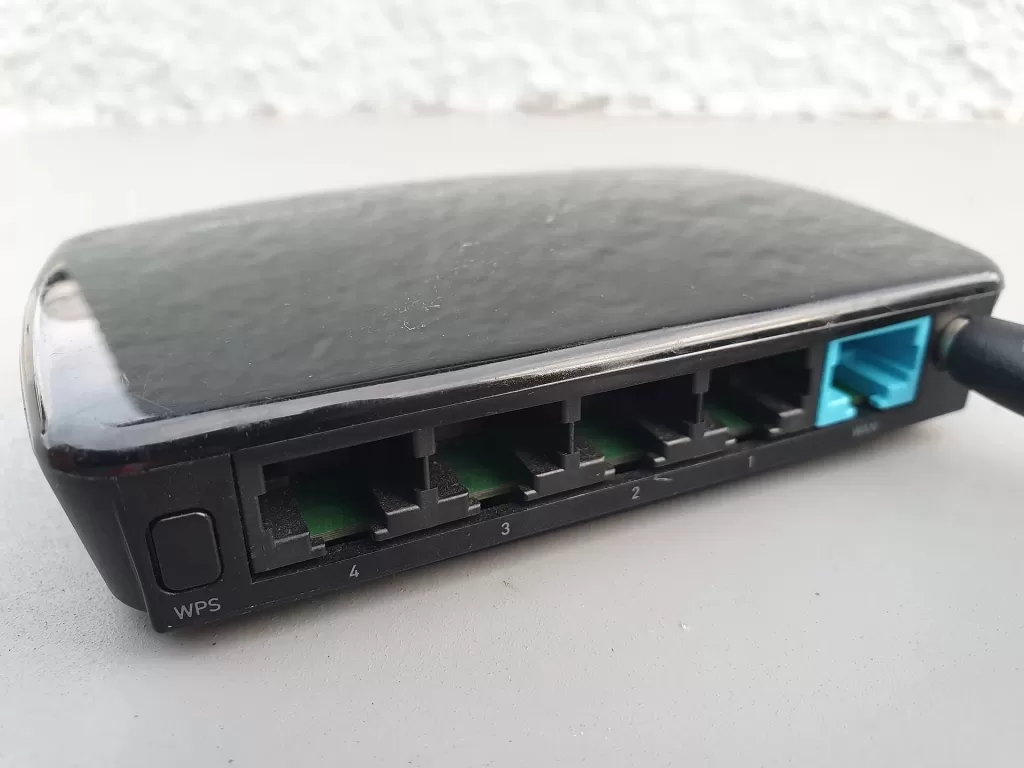
Photo: a wireless router. By Syced, CC0 via Wikimedia Commons.
Source: Mozilla, Firefox 154 release notes, 18 August 2026.
Kuwait One, once a week.
The most useful stories we published this week, in your inbox.
No spam. Unsubscribe anytime.