Screen Time in iOS 27: a daily budget for games, and a schedule for before and after school
A message from someone new stays hidden until a parent approves it. Apple’s reworked parental controls, step by step.
Apple has rebuilt the parental controls inside Screen Time for iOS 27 and iPadOS 27. The new settings decide how long a child spends in each kind of app, when they can open them, and who can reach them, and all of it is run from the parent’s phone.
Before you start
You need Family Sharing, and your child needs their own Apple Account set up as a Child Account, not one shared with anyone else. Update every device in the family group to the latest software so the settings sync, then upgrade to the new parental controls as Apple’s guide explains. Devices that can’t be updated stay on the previous version of the controls.
Time Allowances
On your phone: Settings → Family → your child’s name → Time Allowances → the Add button. Entertainment, Games and Social Media arrive ready to adjust, with a starting point based on your child’s age. Drag the slider or use the plus and minus buttons, and set an overall daily budget for the device on top.
A schedule for the day
Under Screen Time Schedule, turn on Schedule, tap Add Schedule and pick the days. Built-in windows cover Before School, School and After School, each with its own allowed app categories. Weekdays and weekends can run on different routines, and you can add a window for an after-school activity.
Who can get in touch
Allowed Contacts decides who your child can talk to in Messages, FaceTime and Phone. When someone new sends a message, your child can’t see it until a parent in the family group approves. Always Allowed keeps chosen contacts and apps available whatever the schedule says, your own number included.
What’s on by default
Ask to Browse, which sends you a request before your child opens a new website, is on by default for children under 13, and Limit Adult Websites is on for under-18s, Apple says. The ages vary by country.
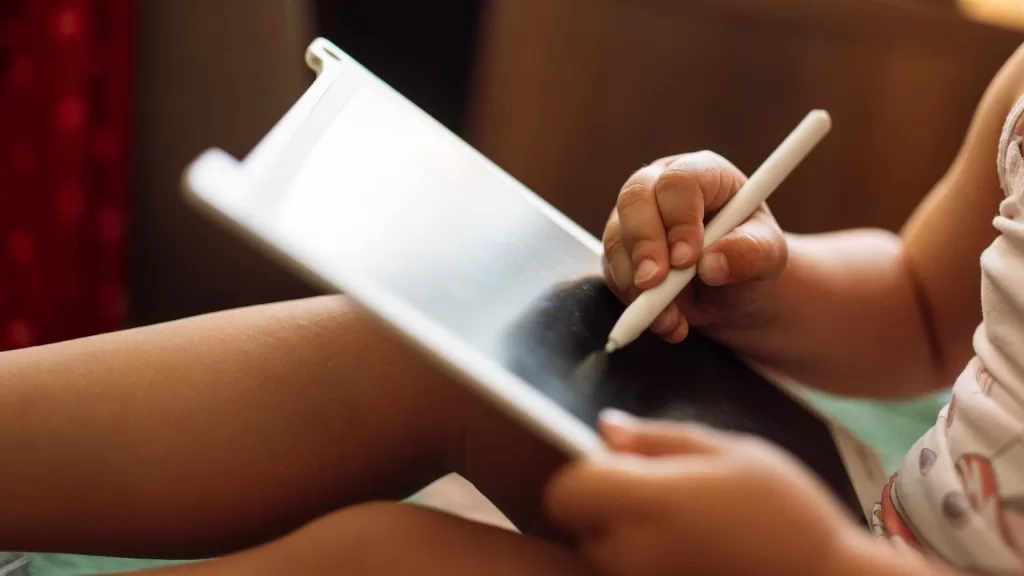
Photo: a child’s hands drawing on a tablet with a stylus. By Shixart1985, CC BY 2.0, via Wikimedia Commons.
Source: Apple Support, “Use Screen Time to manage your child’s iPhone or iPad” (26 October 2026) and “Set up Screen Time Schedules and Time Allowances on your kid’s device”, both read on 26 November 2026.
Kuwait One, once a week.
The most useful stories we published this week, in your inbox.
No spam. Unsubscribe anytime.