A forgotten subscription keeps charging for as long as the card is valid, and removing the app changes nothing. These are the steps as Apple and Google publish them.
iPhone
Open Settings, tap your name at the top, tap Subscriptions, tap the subscription, then tap Cancel Subscription — you may need to scroll down to reach it. Apple notes that if there is no cancel button, or you see an expiry message in red, the subscription is already cancelled. On bundles such as Apple One the button reads Cancel All Services instead.
If the subscription is not in that list, Apple is not the one billing you. Apple’s advice is to search your email for “receipt from Apple” or “invoice from Apple” and check which account was used. No Apple receipt at all means you bought it from another company: read your card statement to find who is charging you and cancel with them. Anything sold through a mobile operator is cancelled with the operator.
Android
In the Google Play app, go to the subscriptions page, select the subscription and tap Cancel subscription. From a computer: play.google.com, click Manage next to the subscription, click Cancel subscription and pick a reason in the confirmation box.
Google prints the warning plainly — uninstalling an app does not cancel its subscription. It also states what happens next: you keep the service until the end of the period you have paid for. Its own example is a yearly subscription bought on 1 January for ten dollars and cancelled on 1 July; access runs to 31 December and nothing is charged the following January.
Cancel before the clock, not after
Apple’s media services terms say the charge can be taken as much as 24 hours before a new period begins, so a cancellation has to land earlier than that. For a free trial Apple is explicit: cancel at least 24 hours before the trial ends. Google Play’s terms give a longer pre-charge window of 48 hours.
One difference matters. On Google Play, cancelling a paid period leaves you access until it runs out; cancelling during a free trial may cut access immediately, by the store’s own terms.
If you were charged by mistake
With Apple: go to reportaproblem.apple.com, choose “I’d like to”, then “Request a refund”, pick a reason, pick the item and submit. Apple asks for 24 to 48 hours for a decision. A pending charge cannot be refunded yet — wait for the emailed receipt. And a refund request is not a cancellation, so do both.
Google publishes a hard window: within 48 hours of purchase you can request a refund yourself at play.google.com under Payments and subscriptions, then Budget and order history, then Report a problem. After 48 hours the request goes to the app’s developer instead. Decisions usually take a day and can take four. A charge neither you nor anyone you know made is reported as unauthorised, within 120 days of the transaction.
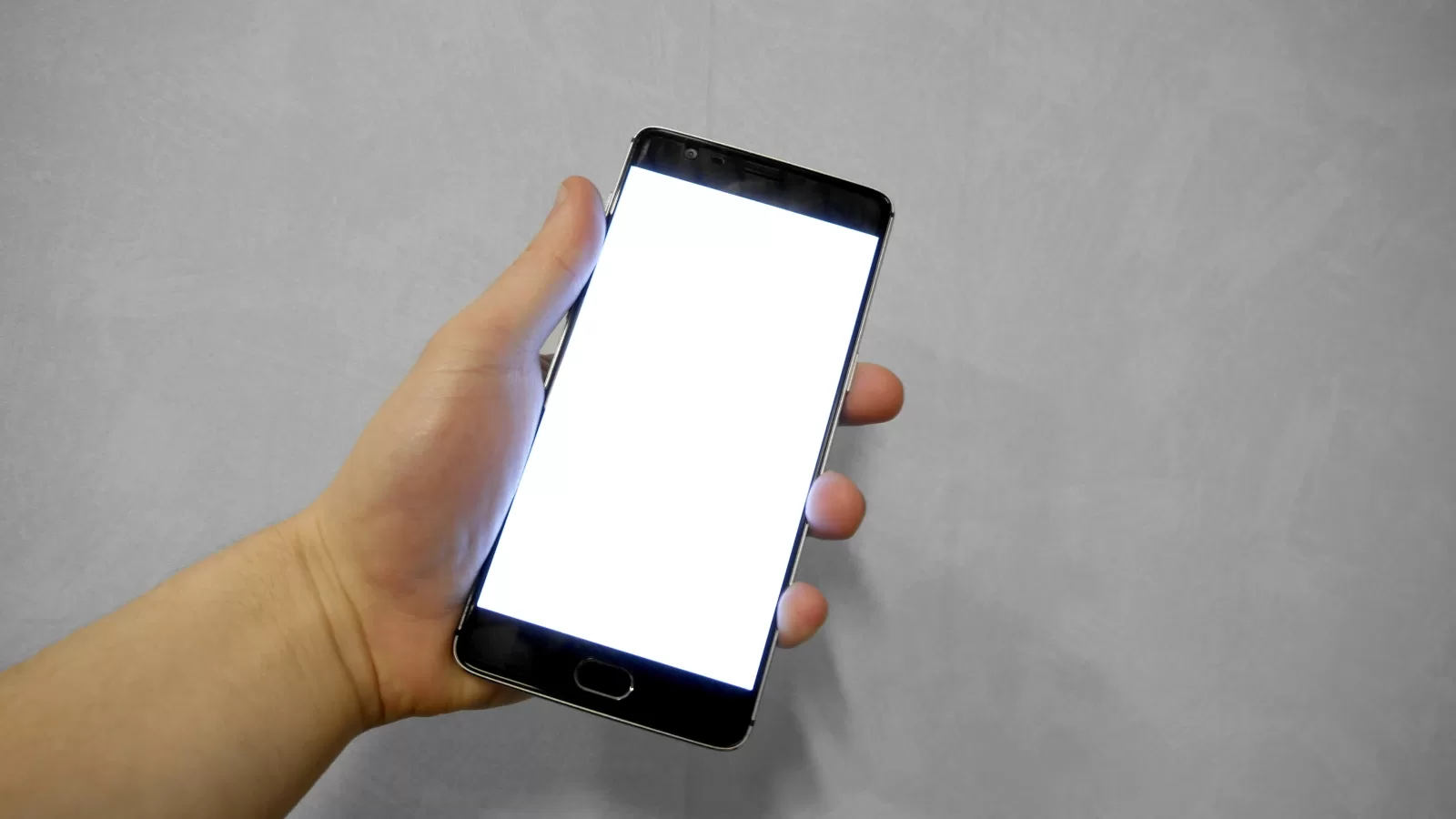
Photograph: a hand holding a smartphone. Photo by Santeri Viinamaki, licence CC BY-SA 4.0 via Wikimedia Commons.
Source: Apple support articles 118428 and 118223, the iPhone User Guide and the Apple Media Services Terms; Google Play support articles 7018481, 15574908, 15574897 and 7205930, and the Google Play Terms of Service.
Kuwait One, once a week.
The most useful stories we published this week, in your inbox.
No spam. Unsubscribe anytime.