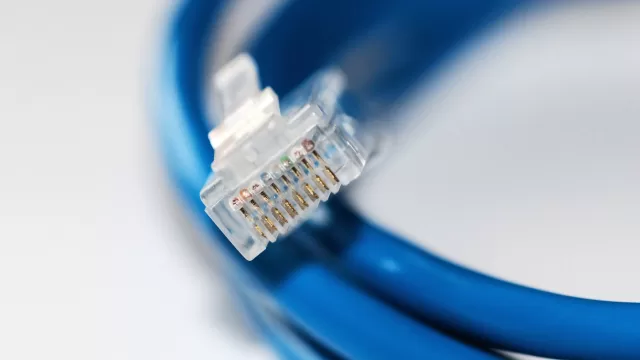
HDR10, HDR10+ or Dolby Vision: the sticker isn’t enough, and the cable counts
Netflix wants a Premium plan, an HDCP 2.2 port and every box in the chain able to play the same quality.
Three labels keep turning up on TV boxes: HDR10, HDR10+ and Dolby Vision. All three mean high dynamic range, deeper shadows, brighter highlights and richer colour than a standard picture. The differences between them are real, though, and a sticker on the TV doesn’t guarantee the picture reaches you that way.
What separates the three
HDR10 is the base format. As the body behind HDR10+ explains, it uses static metadata: one brightness curve applied to an entire film from start to finish. Put a dark night scene next to a bright explosion, and many screens either crush the shadows or blow out the highlights.
HDR10+ and Dolby Vision fix that with dynamic metadata that adjusts the picture scene by scene. The difference is ownership: HDR10+ is an open standard with no per-unit royalty for device makers, while Dolby Vision is a system developed by Dolby Laboratories. A TV that only supports HDR10 will still play HDR10+ content, using just the static part of the data.
What Netflix actually requires
- Plan: 4K and HDR come with the Premium plan.
- Every device in the chain: with a TV, a streaming stick and an audio receiver, all three must support 4K or HDR, or playback drops to the best the weakest link can manage.
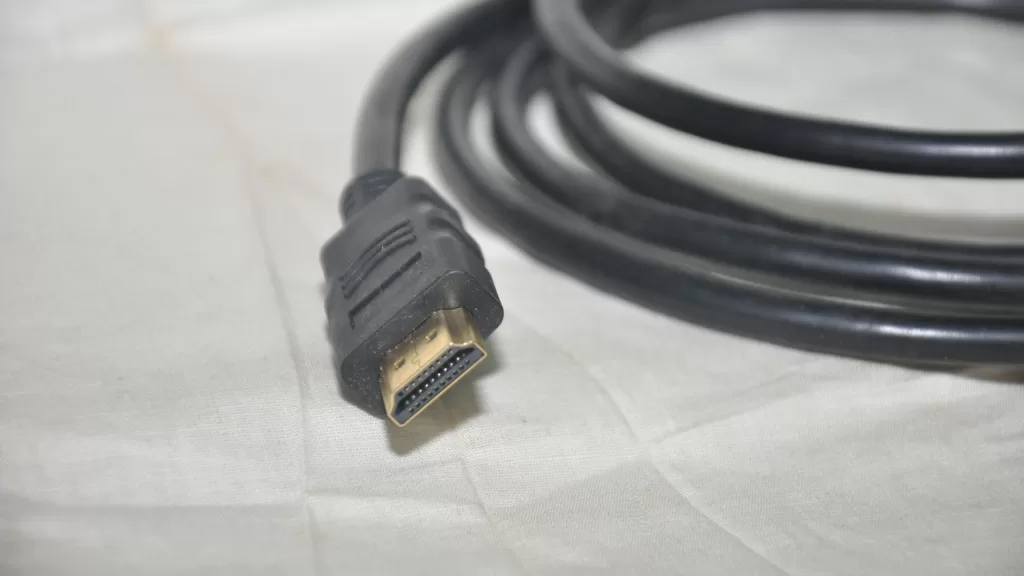
- Cable: a Premium High Speed or Ultra High Speed HDMI cable. The rating is usually printed on the cable or its ends.
- Port: an HDMI port that supports HDCP 2.2 or later, usually HDMI 1.
- Setting: in your account’s playback settings, data usage per screen set to High or Auto.
Netflix also notes that some devices ship with HDR switched off. Turn it on in the app under Get Help, then Video, then HDR On. On phones, HDR may not kick in even when the label shows, if the device is in low power mode or on a cellular connection.
For speed, Dolby and Netflix recommend at least 15 megabits per second for Dolby Vision in 4K.
How to tell what you’re getting
Each title’s page on Netflix shows the quality it will play at on your device, not what exists in general. If a title is both 4K and Dolby Vision, you’ll see only the Dolby Vision label.
Photo: an HDMI cable and plug. By Kannan shanmugam, CC BY-SA 4.0, via Wikimedia Commons.
Source: Netflix Help Center on getting the best video quality, the HDR10+ FAQ, and Dolby on Netflix in Dolby Vision, all read on 6 November 2026.
Kuwait One, once a week.
The most useful stories we published this week, in your inbox.
No spam. Unsubscribe anytime.