A microSD carries three small symbols on its back and one large number on the box it came in. The large number is the only one that guarantees nothing.
Two kinds of mark
The Roman numeral at the edge — I, II or III — is the bus. It is a ceiling: 104 MB/s for UHS-I, 312 MB/s for UHS-II in half duplex, 624 MB/s for UHS-III. The SD Association says plainly that this figure is not the card’s own maximum.
The number inside a C, inside a U, or beside a V is the class. That is a floor — the slowest sustained write the card commits to, and will not fall under.
What each symbol promises
- C2, C4, C6, C10 — 2, 4, 6 and 10 MB/s.
- U1 — 10 MB/s. U3 — 30 MB/s.
- V6, V10, V30, V60, V90 — 6, 10, 30, 60 and 90 MB/s.
So C10, U1 and V10 all promise ten. The association warns against mixing the families: a host asking for C10 paired with a U1 card will not deliver the expected write speed even though both say ten. Going up inside one family is fine — where C4 is required, C4, C6 or C10 will do.
The A has nothing to do with video
A1 and A2 measure small read and write commands per second — what matters when apps run off the card, not when footage is written to it.
- A1 — 1,500 random reads and 500 random writes per second.
- A2 — 4,000 and 2,000.
Both still guarantee only 10 MB/s sustained sequential write, so an A2 card is not automatically a good camera card. And A2 behaviour appears only when the host device supports A2; otherwise the card falls back to A1-level performance.
The letters that decide whether it fits at all
SDHC covers more than 2 GB up to 32 GB and is formatted FAT32. SDXC runs from 32 GB to 2 TB on exFAT, and SDUC above that. When an older device refuses a large card, the obstacle is the file system, not the speed.
Which mark to read
For 4K recording, read the V. The association’s own chart puts 4K from 30 MB/s upward, leaving 60 and 90 for high-bitrate 4K and for 8K.
For running apps, and for Android adoptable storage, read the A.
Dashcam cards are sold as “high endurance”. That is a manufacturer’s wording, not a certified class — the SD Association publishes no endurance class at all. What it does say is that the card in a dashcam should be replaced every one or two years.
Counterfeits
A counterfeiter is bound by none of this. The usual fraud is a declared capacity larger than the real one — a card sold as 256 GB holding 16, sometimes with firmware hiding the difference — and speeds that do not match the packaging. The standard’s own owner does not advise inspecting the logo, because logos are copied; it advises buying from the licensees it lists.
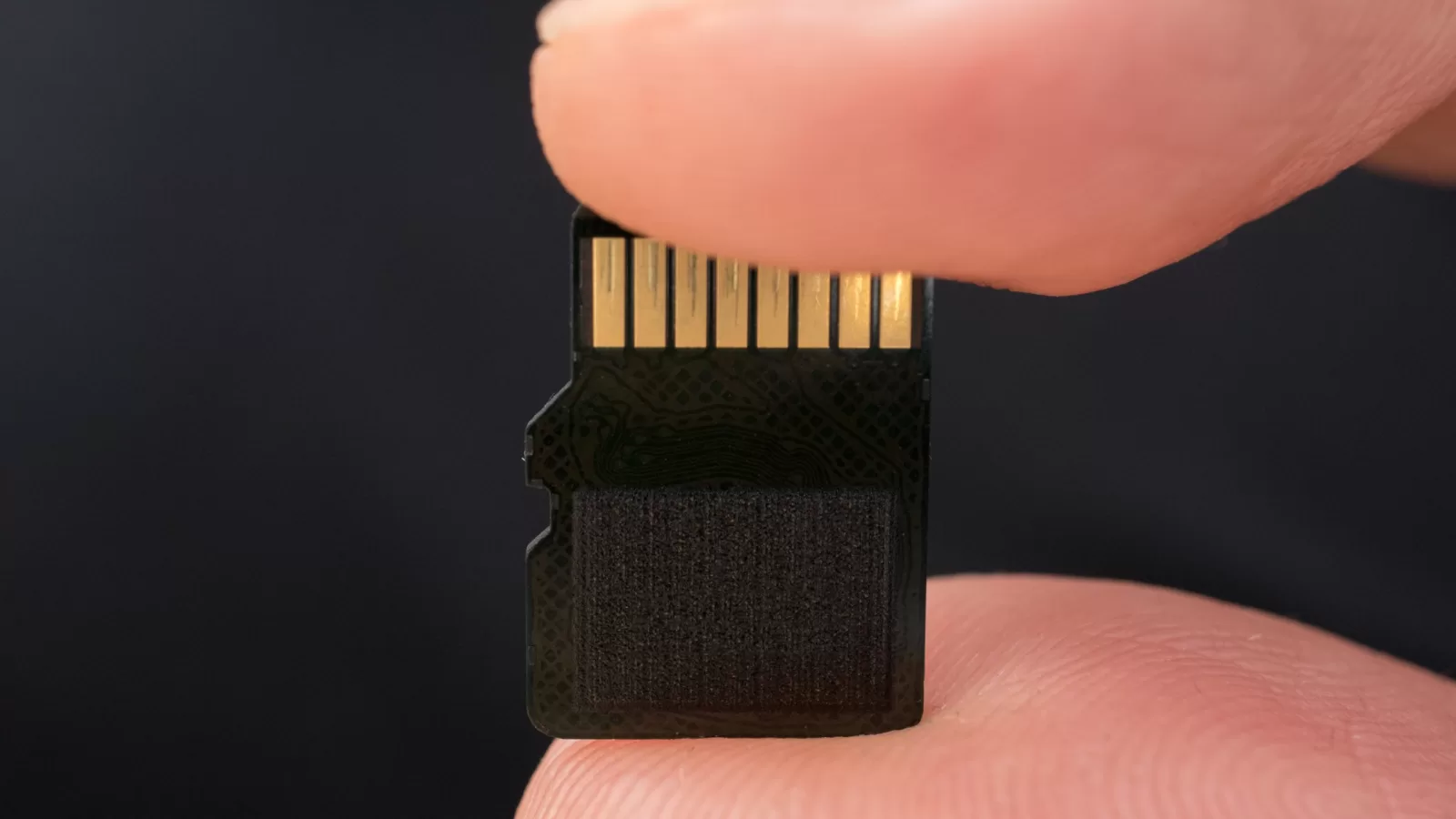
Photograph: the gold contacts of a microSD card held between two fingers. Photo by Ivan Radic, CC BY 2.0 via Wikimedia Commons.
Source: the SD Association (sdcard.org) — its speed class, application performance class and bus speed pages.
Kuwait One, once a week.
The most useful stories we published this week, in your inbox.
No spam. Unsubscribe anytime.