Windows 10 Keeps Getting Free Security Fixes Until 12 October 2027
Enrolment takes one screen in Settings, costs nothing if you back up your PC settings, and one licence covers ten machines.
Windows 10 officially reached end of support on 14 October 2025. Microsoft’s safety net is the Extended Security Updates programme, which keeps patching serious vulnerabilities on enrolled home PCs. It was originally due to run out in October 2026. Microsoft has now pushed the end date to 12 October 2027.
So if there is a Windows 10 machine in the house that cannot move to Windows 11, it has another year of security fixes ahead of it — provided it is actually enrolled.
Who qualifies
- Windows 10 version 22H2, in the Home, Pro, Pro Education or Workstations edition.
- The latest Windows Update installed.
- Signed in with a Microsoft account that has administrator rights and is not a child account. If you use a local account, you will be asked to sign in with a Microsoft account during enrolment.
- Not a work machine joined to a company domain or managed by device-management software — those go through the separate commercial programme.
Three ways in
- Free, if you back up your PC settings to your Microsoft account.
- 1,000 Microsoft Rewards points.
- A one-off payment of US$30, or the local equivalent plus tax.
One licence covers up to ten devices on the same account.
The steps
- Open Settings, then Update & Security, then Windows Update.
- If the PC is eligible, you will see an enrolment link. Select Enroll now.
- Pick one of the three options. If settings backup is already on, you will go straight to a confirmation.
- For another PC, open the same screen on it and select Enroll now — or Add device if you are signed in with the same account.
To confirm a machine is covered, go back to the Windows Update page; the enrolment status is shown there. Anyone who enrolled before the extension does not need to do anything: coverage rolls on to the new date automatically.
What it does not include
This is security only — fixes Microsoft rates critical or important. No new features, no ordinary bug fixes and no technical support. Enrolling does not stop you upgrading to Windows 11 later if the hardware allows it.
Microsoft’s own advice is that a PC is more exposed until it is enrolled, so there is no reason to wait.
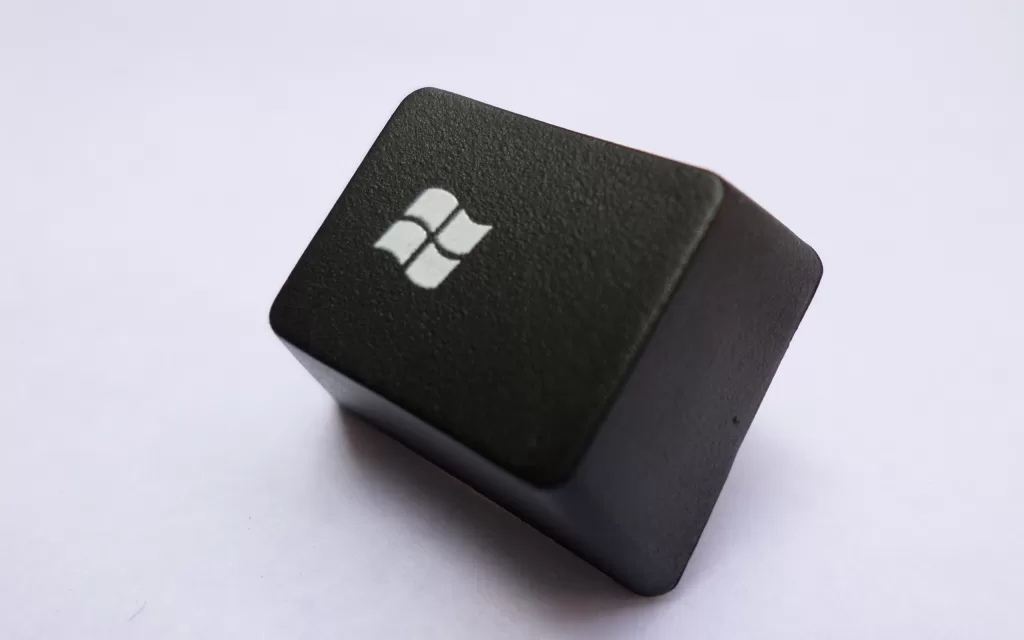
Photo: a Windows key removed from a keyboard. Photograph by EEIM, CC BY-SA 4.0, via Wikimedia Commons.
Source: Microsoft, Windows 10 Consumer Extended Security Updates.
Kuwait One, once a week.
The most useful stories we published this week, in your inbox.
No spam. Unsubscribe anytime.